
This maritime Excel video course designed to helps shipping professionals build practical data analysis skills, create clear reports, and present maritime data effectively for better operational decision-making.
The shipping industry is increasingly recognizing the value of data but often struggles to find professionals who possess both maritime expertise and strong Excel skills. To bridge this gap, we hosted a masterclass introducing essential Excel tools and real-world applications through a specialized Excel course for maritime professionals. This session provides an overview of the structured training program along with a practical demo.
Session 1 – Excel Fundamentals
- Working with Functions: SUM, AVERAGE, MAX, MIN, COUNT, AutoSum
- Referencing Methods: Absolute, Relative, Mixed referencing, Range selection
- Logical Functions: IF, AND, Nested IF
- Formatting Features: Conditional formatting
- Assignment / Exercise
Session 2 – Data & Database Management
- Database Management in Excel: Static & Dynamic databases, Tables, Sort, Filter, Remove Duplicates
- Statistical Functions: SUMIF, SUMIFS, AVERAGEIF, AVERAGEIFS, COUNTIF, COUNTIFS
- Name Manager: Naming ranges and using them in formulas
- Data Validation: Lists, Custom validation, Input handling, Error alerts
- Date & Time Calculations
- Cell & Workbook Protection
- Assignment / Exercise
Session 3 – Data Cleaning & Lookup Functions
- Text to Columns
- Text Functions for data cleaning
- Lookup Functions: VLOOKUP, IFERROR with VLOOKUP, INDEX, MATCH
- Assignment / Exercise
Session 4 – Advanced Excel & Data Visualization
- Flash Fill & Transpose
- Working with Charts: Chart types, Pivot charts, Formatting, Templates, Dynamic charts
- Pivot Tables: Introduction and creation
- Assignment Review
- Course Debrief & Practical Implementation Guidance
This Excel training course for maritime professionals provides complete, practical guidance covering everything from basic Excel functions to advanced data analysis and visualization techniques for the shipping industry. By the end of the program, participants will be able to manage, analyze, and present maritime data effectively to improve operational efficiency and decision-making.
Skills you’ll gain

Sea and Beyond
At Sea and Beyond we strive for authenticity and honesty in our work. Our mission is to help “You take a well informed decision” and we try and support you through our various services like
- Mentoring
- Skill enhancement/Education
- Job Opportunities and
- Your branding (CV and LinkedIn preparation)
We have a team of writers who conduct thorough research to ensure the accuracy of the content and for the clarity in communication. We will be happy to support you wherever required
Rating:
Price:
₹ 3999
Language:
Length:
12 Hrs
Intended for:
Maritime professionals aiming to upskill and advance their careers.
Reference:
Topics:
2 Sections . 5 lectures . 12h 4m total length
4 min
1.1 Capt. Ashwin Dmello | Testimonial
"Empowering Maritime Minds with Data! 🚢💡 Hear from our last batch of participants on how our Excel and Power BI course has transformed their approach to data-driven decision-making in the maritime industry.
Ready to elevate your skills?
Join us on this journey and apply now
180 min
2.1 Session 1 | Working with Functions
Working with Functions
Basic functions:(Sum + Average + Max +Min +Count+ Auto Sum)
Working with referencing
Cell addressing/referencing methods (Absolute + Relative + Mixed + range and more)
The text cleaning concept

180 min
2.2 Session 2 | Logistical Function and Statistical Function
Logical Functions
Utilise Formatting Features
Database management in Excel
Statistical Function
Data Validation
Preparing working dashboard from vessel’s PMS data
Assignment / Exercise
180 min
2.3 Session 3 | Text to Column Concept
Text to Column Concepts
Text Functions to Clean & Prepare Data
Lookup & Reference Functions (VLOOKUP, IFERROR, INDEX, MATCH)
Assignment / Exercise
180 min
2.4 Session 4 | Working with Charts and Pivot Tables
- Working with Charts
Different Chart Types, Pivot Charts, Dynamic Charts
Formatting, Design & Layout of Charts
Creating, Applying & Removing Chart Templates, Sparklines
- Working with Pivot Tables
- Introduction, Creation & Dashboard Implementation
Additional Tools: Remove Duplicates, Import/Export Data, Flash Fill, Concatenate, Transpose
- Debrief: Continuing to Apply Excel Skills Beyond the Course
- Assignment / Exercise
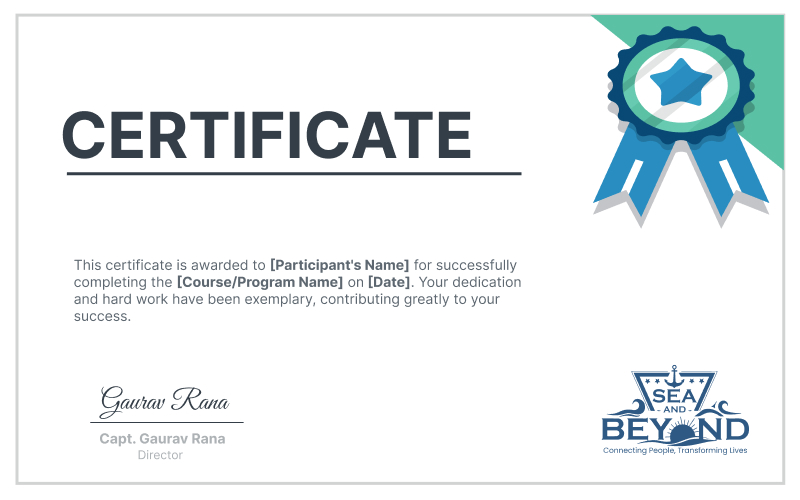
Successful completion of this course will earn you a certificate of completion from Sea and Beyond. This certificate will be emailed to you and you could also share and show it on LinkedIn Please click on the button below to purchase the certificate.
Similar Courses






Reviews...
Melvin Maben On Jul 5th 2024
Dear Team , I recently....
Hyder Rangari On Nov 7th 2024
A great course for someon....
Gunjit Verma On Nov 7th 2024
I felt the course was fan....
Leroy Sampy On Nov 28th 2024
I recently completed the ....
Gaurav Bhardwaj On Dec 25th 2024
The course builds underst....